Find LinkedIn page for a user without logging in
First, navigate to Google's Mobile Friendly Test page:
https://search.google.com/test/mobile-friendly?url=https://linkedin.com/in/{user_id}
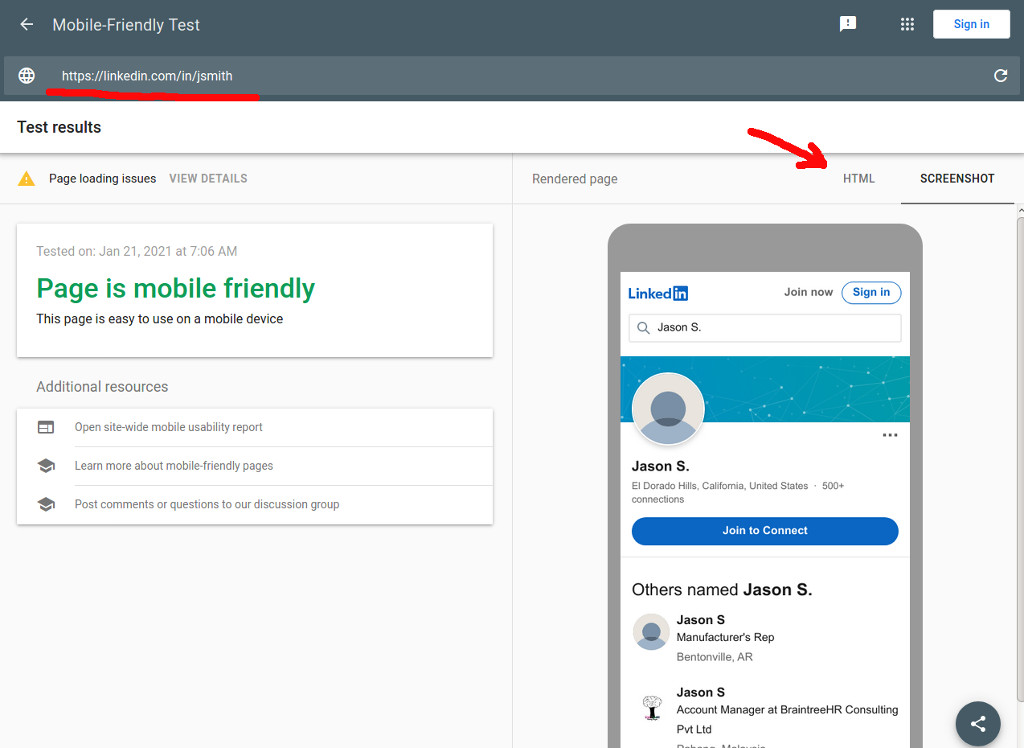
Enter a LinkedIn profile page URL, e.g. https://linkedin.com/in/ambermac
When you get the results, notice that only a portion of the page is actually displayed, since it is only a preview.
To get the full page source click on the HTML tab, then copy the source. Paste that source code into codebeautify.org/htmlviewer. Click RUN to see the account page - no account needed.